
Fly.io Pricing 2026: Plans & Reviews
Edge application platform
🔔 Get alerted the next time Fly.io changes its price
Instant email + Slack alerts on real price changes. From $19/month.
Quick Verdict
Bottom Line
Fly.io removed free allowances for new users in 2024. New signups get a 2-hour trial (or 7 days, whichever comes first). Legacy customers on deprecated Hobby/Launch/Scale plans keep their old allowances. Current pricing is fully pay-as-you-go with optional support tiers ($29/$99 per month).
Who Should Use It
- Apps that benefit from multi-region latency improvements
- Teams comfortable with container-ish deployment workflows
- Developers who want edge characteristics without managing Kubernetes
- Projects that can start small and scale resources gradually
Who Should Skip It
- Teams that want the simplest ‘connect GitHub and done’ workflow
- Workloads with unpredictable bandwidth/egress (watch costs)
- Anyone who needs a pure plan-based bill (Render is simpler)
What is Fly.io?
Fly.io is an app hosting platform built around running your app in regions close to your users. Instead of pushing everything to a single datacenter, you can deploy replicas geographically.
**Important: Fly.io no longer offers free hosting.** In 2024, Fly.io deprecated its Hobby, Launch, and Scale plans which included free allowances (3 shared-cpu VMs, 160GB bandwidth). New signups now get a minimal free trial: 2 VM hours or 7 days, whichever comes first. After that, you must add a credit card and pay as you go. Legacy customers on deprecated plans keep their old free resources until they switch.
This is especially useful for: - Latency-sensitive apps (APIs, realtime, collaboration) - Products with globally distributed users - Services that need failover across regions
The practical minimum cost is roughly $5/month for a small always-on app (one shared-cpu machine + minimal storage). Multi-region deployments multiply this since each replica is a separate running machine.
Compared to platforms like Render/Railway, Fly.io leans more “infrastructure” (you’ll think in machines, volumes, and network). The upside is flexibility. The downside is that you must understand a bit more to avoid cost surprises. For a detailed comparison, see our [Railway vs Fly.io vs Render comparison](/compare/railway-vs-flyio-vs-render).
Key Features That Affect Pricing
| Feature | Free | Pro | Business |
|---|---|---|---|
| Multi-region deployment | ✅ | ✅ | ✅ |
| Usage-based billing | ✅ | ✅ | ✅ |
| Databases/Postgres | Limited/varies | ✅ | ✅ |
| Custom domains + HTTPS | ✅ | ✅ | ✅ |
| Autoscaling options | Limited | ✅ | ✅ |
What Makes Fly.io Different
- 1Run apps close to users – Fly.io’s core value is geographic distribution. If your users are global, single-region hosting is often the hidden cost (latency, reliability).
- 2Flexible, infrastructure-like primitives – You can model your app with machines/volumes and control how it scales. This is more flexible than many ‘one size fits all’ hosts.
- 3Good for advanced backends – If you need multi-region APIs, background processing, or custom networking characteristics, Fly.io can be a better fit than simpler platforms.
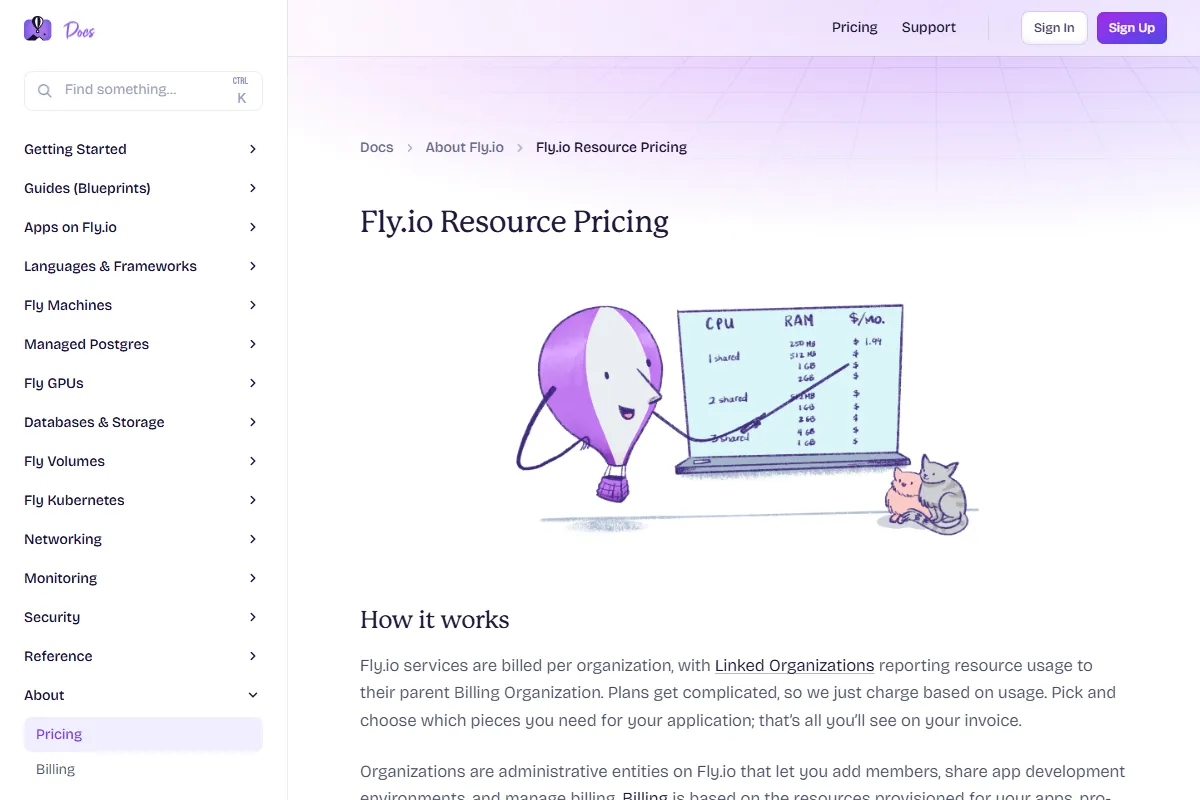
Fly.io Pricing Plans 2025
Free Trial
Best for: Quick evaluation only (2 VM hours or 7 days)
- 2 total VM hours (shared across all machines)
- 10 machines maximum
- 20GB volume storage
- Up to 2 vCPUs / 4GB memory per machine
Value Analysis: This replaced the old free allowances. Enough for a quick test but not for running any real workload. Add a credit card to continue.
Pay-as-You-Go
Best for: Production apps that need multi-region or edge characteristics
- Pay for machines/resources you run
- Scale per region and per service
- Add storage/volumes as needed
- 40% off with machine reservations
Value Analysis: Small apps often start in the single-digit monthly range, but costs rise with regions, always-on machines, storage, and bandwidth.
Enterprise
Best for: Organizations needing contracts, support, and compliance
- Custom terms
- Support SLAs
- Org controls
Value Analysis: Consider Enterprise once Fly is core infrastructure and you need guarantees/support.
Hidden Costs to Watch Out For
- 1. Regions multiply cost: Multi-region is a feature—but each always-on replica is another machine running. Decide which regions truly need replicas.
- 2. Bandwidth/egress: If you serve large assets or lots of traffic, network usage can be a major cost driver. Pair with a CDN when appropriate.
- 3. Storage and databases: Persistent volumes and Postgres can add steady cost. Track growth and cleanup unused volumes/environments.
Pro tip: Start single-region first, then add regions only when you can measure the benefit (latency, failover). Multi-region is powerful, but it’s also the easiest way to double your baseline cost.
Pros & Cons
Pros
- Multi-region/edge characteristics – One of the best reasons to choose Fly is performance and reliability across regions.
- Flexible deployment model – You can run workloads that don’t fit neatly into ‘static + one web service’ platforms.
Cons
- More complexity than simple hosts – You’ll spend more time understanding machines/volumes/network than you would on purely DX-focused hosts.
- Usage-based billing requires guardrails – Without alerts and monitoring, usage-based platforms can surprise you.
Our Take
Fly.io is worth it when edge/multi-region matters. If you only need a single-region backend with predictable monthly pricing, Render will feel simpler. If you want the fastest ‘deploy now’ workflow, Railway often wins on DX.
Is Fly.io Right for You?
Global userbase
Deploy in 1–2 regions first, then expand strategically. Measure latency improvements and only keep replicas that provide real value.
Recommended: Paid (usage-based)
Monthly cost: $5+ (depends on regions/resources)
Lower latency and better resilience
Experimenters
Use the free allowances to learn the Fly workflow before moving production.
Recommended: Free / Allowances
Monthly cost: $0 (until you exceed allowances)
Low-cost learning
Infra-savvy teams
Fly can be a lightweight alternative to rolling your own multi-region infra. Add monitoring and spend alerts on day one.
Recommended: Paid + Enterprise later
Monthly cost: Varies
Flexibility without full ops burden
Skip Fly.io If:
- •You want a purely plan-based bill (pick Render)
- •You don’t need multi-region and want simplest DX (pick Railway)
Fly.io Alternatives & Competitors
| Tool | Starting Price | Free Tier | Best For | Key Difference |
|---|---|---|---|---|
| CurrentFly.io | Free / usage-based | Edge + multi-region apps | Deploy close to users | |
| Render | Free / $7+ per service | Predictable monthly hosting | Plan-based pricing | |
| Railway | $5–$20/mo + usage | Fastest DX, built-in databases | Credits + very fast workflow | |
| Vercel | Free / $20+ | Frontend/Next.js | Pair with backend host |
Detailed Comparisons
Fly.io vs Render
You need edge/multi-region characteristics and are okay with a more infrastructure-like model.
You want predictable plan-based pricing for a single-region backend.
Fly.io vs Railway
You need multi-region behavior and low-latency distribution.
You want the fastest developer workflow and simpler setup.
Frequently Asked Questions
Free Tier & Getting Started
Is Fly.io still free in 2026?
What happened to Fly.io's free tier?
Does Fly.io require a credit card?
What's the minimum monthly cost for Fly.io?
Costs & Billing
What usually drives Fly.io cost the most?
How does Fly.io pricing compare to Railway and Render?
Similar Development & DevOps Tools
GitHub
Code hosting platform
$4/user/month (Team), $21/user/month (Enterprise)
GitLab
DevOps platform
$29/user/month (Premium), $99/user/month (Ultimate
Bitbucket
Git repository hosting
$3/user/month (Standard), $6/user/month (Premium)
Vercel
Frontend deployment platform
$20/user/month (Pro), $40/user/month (Enterprise)
Track Fly.io Pricing
Get instant alerts when Fly.io changes pricing. Never miss an update.